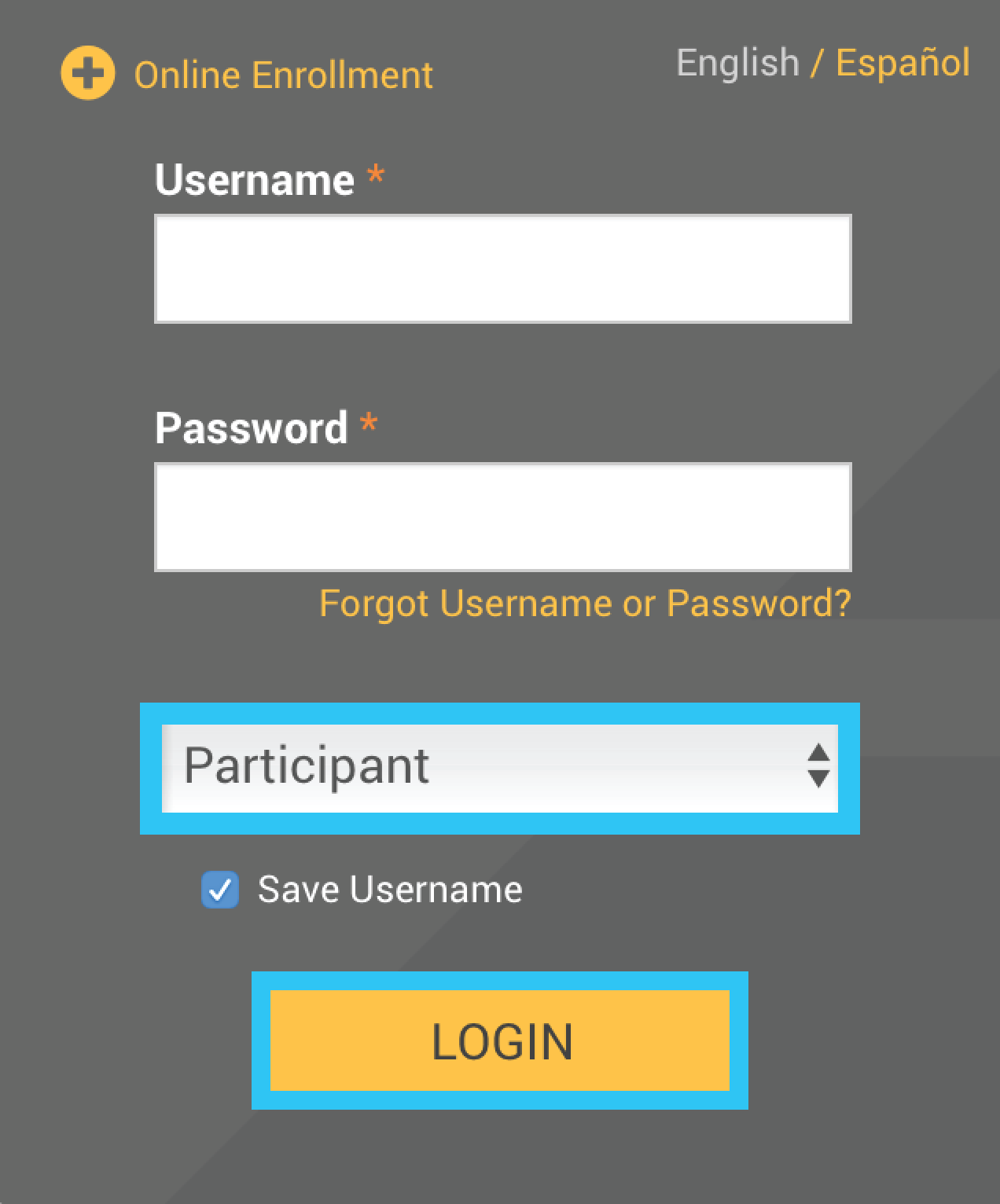
Type in your Username and Password,
as provided in your welcome letter
Select Role: Participant
Click the Login button
2. On the Participant Dashboard, your Account Balance will display.
Click Make Changes to Your Account.
Click Get Started under the Move Money option.
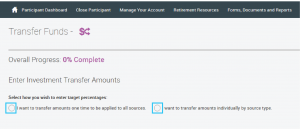
3. Once the next screen is displayed, choose if you would like to move money for all of your sources, or simply one source (example: Employee Roth Contributions).
After you bubble the appropriate selection the page will expand with more options.
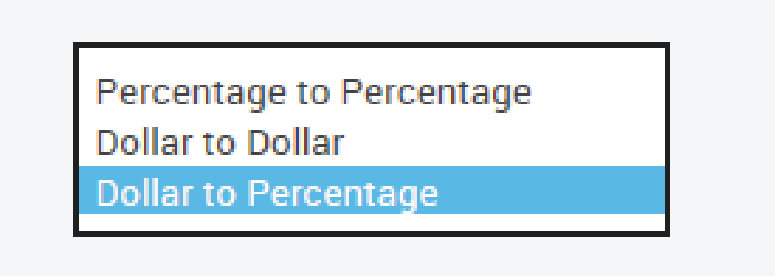
4. Select the Transfer Type that applies to your intended transfer.
The bottom of the screen will update according to your choices.
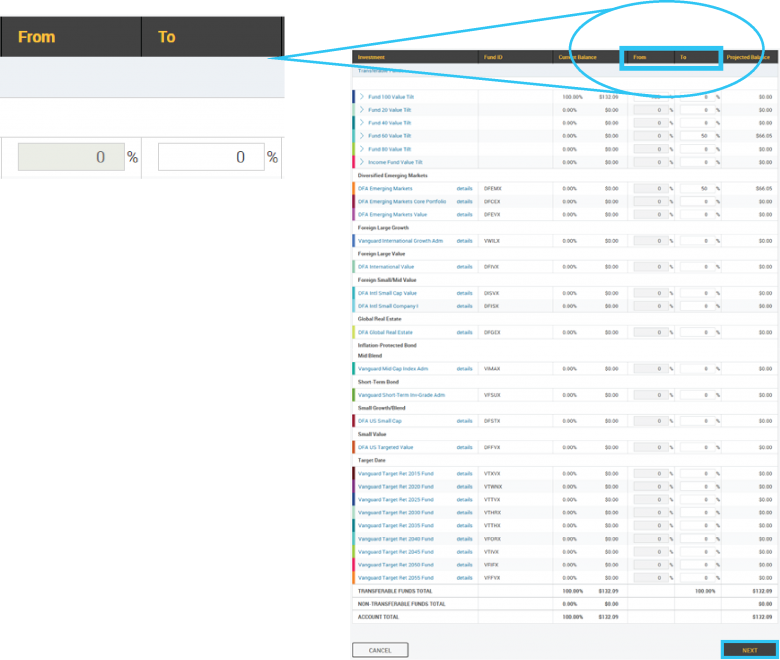
Complete the From and To columns for the money move.
Click Next.
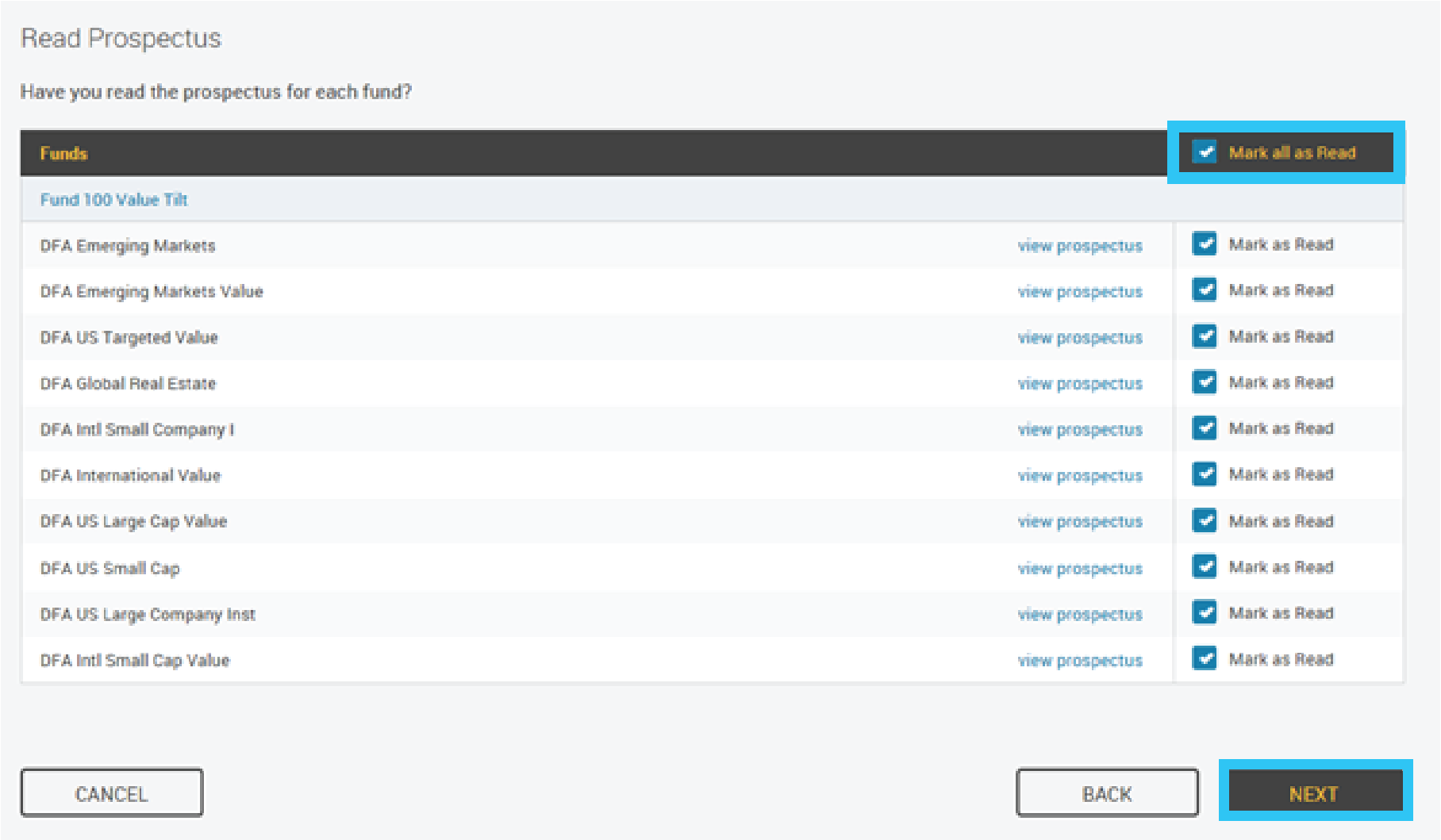
5. Read the appropriate prospectus and click Mark as Read. You make click them all by selecting the Mark all as Read option.
Click Next.
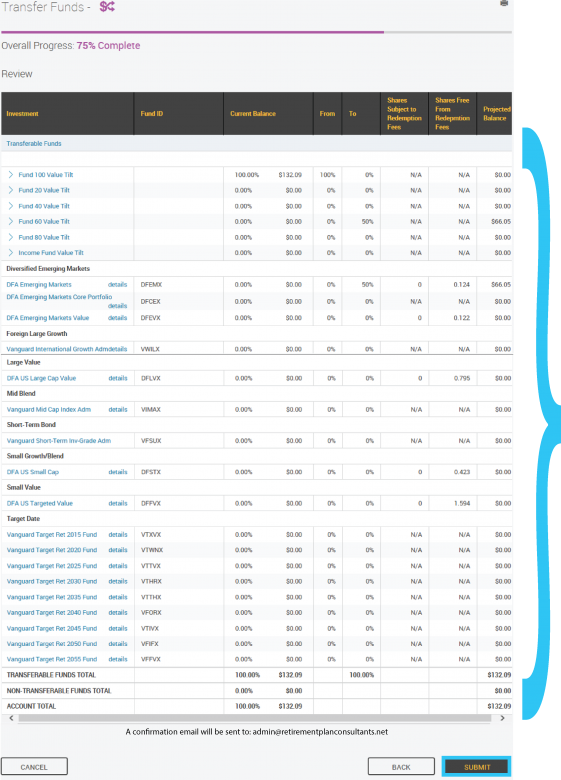
6. Review your changes.
Click Submit at the bottom of the page.
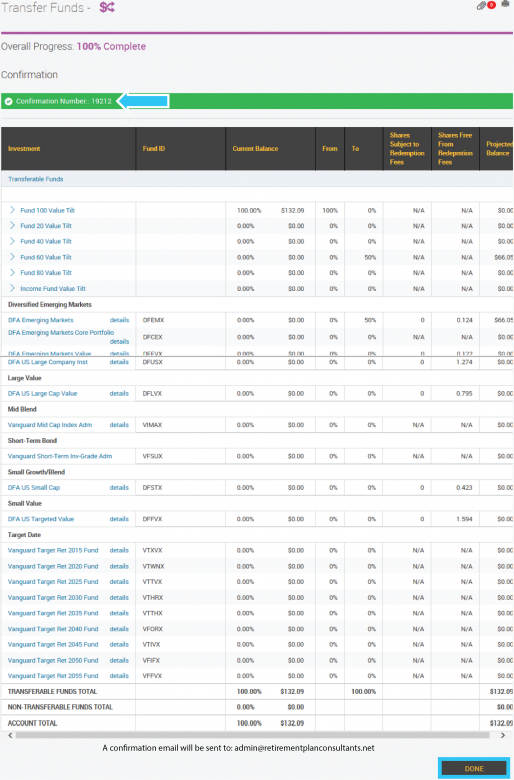
7. You will be provided a Confirmation Number for your records.
Click Done at the bottom of the page.